
How to Optimize Conversion Paths? A Comprehensive Guide from SEO Layout to GA4 Funnel Setup
How to Optimize Conversion Paths? A Comprehensive Guide from SEO Layout to GA4 Funnel Setup
26 Mar 2026
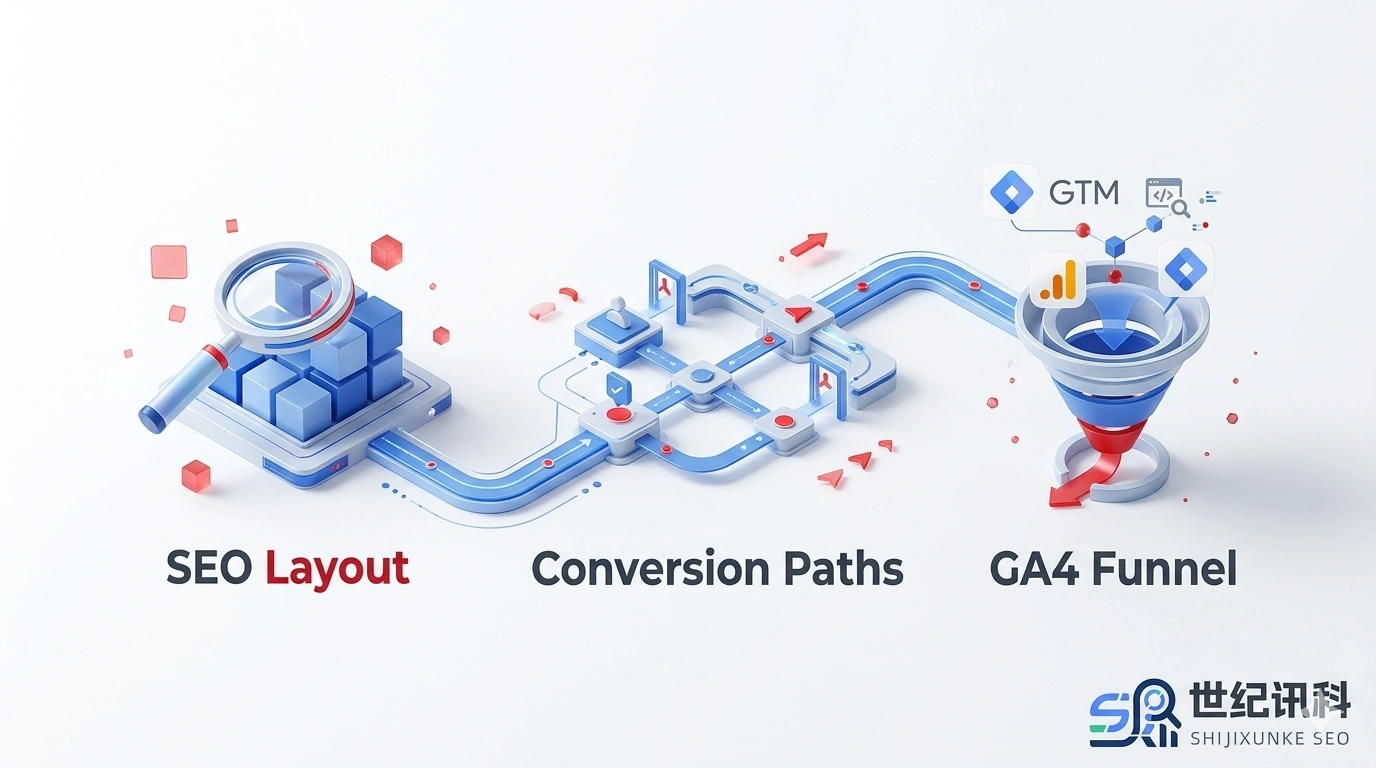
In the digital marketing funnel, traffic is merely the entry point, while the “Conversion Path” is the only passage leading to a sale. Many businesses invest heavily in SEO and advertising, yet lose potential customers at the final mile due to irrational path design or missing tracking data. This article dives deep into how to map, monitor, and optimize your website’s conversion paths using scientific methods.
What is a Conversion Path? Analyzing the Three Core Types Influencing Conversions
A conversion path refers to the sequence of steps a user takes from the first brand interaction (touchpoint) to completing a specific goal (conversion). In today’s multi-screen and multi-channel environment, conversion paths are no longer simple A-to-B journeys but present a complex network structure.
1. Linear Conversion Path
This is the most basic path, typically occurring when demand is very specific. For example, a user searches for “SEO audit services,” clicks directly into your service page, and submits an inquiry form. The key to optimization lies in Landing Page relevance and loading speed.
2. Multi-touch Conversion Path
Users visit multiple times before making a decision. They might first learn through a blog post, return days later via a Google brand search, and finally convert through a Remarketing ad. This requires us to provide value at every stage, rather than just hard-selling products.
3. Cross-device and Cross-platform Path
Modern user behavior is highly fragmented. Browsing on a phone, comparing on a tablet, and finally paying on a laptop is common. This requires technical User ID association to ensure data continuity and avoid misidentifying the same user as three independent visitors.
Typical Conversion Path Examples: B2B vs. B2C Comparison
Business models determine user psychological expectations. B2C pursues “satisfaction” and “efficiency,” while B2B pursues “professionalism” and “trust.”
| Stage | B2C Path (e.g., Online Shoes) | B2B Path (e.g., ERP System) |
|---|---|---|
| Awareness | Social Media Ads (FB/IG) | Industry Keyword SEO Guide Articles |
| Consideration | Checking User Reviews & Unboxing Videos | Downloading Whitepapers, Reviewing Case Studies |
| Decision | Claiming Limited-time Coupons | Booking a Product Demo |
| Conversion Action | One-click Checkout and Payment | Submitting Inquiry Form followed by Sales Contact |
How to Map Your Website’s Conversion Funnel? From Key Steps to Event Definitions
A Conversion Funnel is the visual representation of a conversion path. The purpose of mapping a funnel is to identify where users are “dropping off.”
Identify Key Conversion Events
You need to clearly distinguish between Macro-conversions (e.g., completing a payment) and Micro-conversions (e.g., clicking a customer service button). When mapping a funnel, it is recommended to include the following general steps:
- Step 1 (Awareness): Landing on the homepage or blog landing page.
- Step 2 (Interest): Browsing specific product details or service descriptions.
- Step 3 (Action): Clicking “Contact Us” or “Add to Cart.”
- Step 4 (Conversion): Viewing a “Thank You page” or triggering a successful form submission event.
Practical Tutorial: How to Set Up and Monitor Conversion Funnels in GA4?
Google Analytics 4 (GA4) provides powerful “Exploration” tools that allow you to manually customize funnels to accurately see drop-off rates.
GA4 Funnel Exploration Setup Steps:
- Log in to GA4 and click “Explore” on the left side.
- Select “Funnel exploration” from the template gallery.
- In the “Steps” configuration, click the pencil icon.
- Configure Step 1: Choose
session_startor a specificpage_viewas the event name. - Configure Step 2: Click “Add step” and select
view_item. - Configure Step 3: Select
begin_checkoutor a custom inquiry button click event set up in GTM. - Configure Step 4: Select
purchaseorgenerate_lead.
※ Pro Tip: Enabling “Make Open Funnel” allows you to track users who enter the path midway without going through the first step.
How to Optimize Conversion Paths to Increase Conversion Rates?
When you discover high drop-off rates (e.g., over 70%) in a certain step via GA4, path optimization is necessary. Here are three practical strategies:
1. Reduce Cognitive Load and Step Friction
The longer the form, the lower the conversion. Try splitting long forms into “multi-step forms” or keep only the core contact information. Additionally, optimize site navigation to ensure users can find conversion points within 3 clicks.
2. Increase Trust Signals
At the moment of conversion, users often feel a sense of insecurity. Near the form or payment button, display:
- Authority Certification: Such as SSL certificates or industry association member logos.
- Social Proof: Showing “Trusted by 10,000+ companies” or specific customer logos.
- Risk Commitments: Such as “No success, no fee” or “14-day free trial.”
3. Utilize Multi-channel Attribution to Optimize Budget
Don’t just look at the “Last Click.” Review “Attribution Paths” in the GA4 “Advertising” module. You may find that certain blogs that seem “non-converting” are actually the starting point for all converted users, guiding you toward more scientific SEO budget allocation.
Strategic Layout of SEO Content in Conversion Paths
SEO articles should not just be for rankings; they must also guide conversions. This is achieved through path guidance using Internal Links:
Educational Guides (TOFU) → Internal link to → Solutions/Case Studies (MOFU) → Internal link to → Product Details/Forms (BOFU)
This progressive design significantly reduces bounce rates and completes user nurturing subtly.
Frequently Asked Questions (FAQ)
Start Optimizing Your Conversion Path
The end goal of data analysis is not reports, but action. Open your GA4 Exploration report now and find the segment where you’re “leaking” the most!