SEO Techniques, Ranking Optimization Tips and Strategies
What are the four types of user search intent? Informational, Navigational, Transactional, and Commercial Investigation Why is understanding Search Intent the key to winning before the click? When a user types a string of text into a search box, what they truly want to accomplish is known as “Search Intent.” It could be finding a tutorial, opening a specific website, comparing products, or placing an order directly. Correctly understanding this intent determines the type of content and page structure you should provide, as well as the ceiling for your click-through rate (CTR), dwell time, and conversion rate. If you use a transactional product page to target a “how-to” instructional keyword, you will likely encounter high bounce rates and low engagement; users may not even give you a second chance at exposure. For creators, marketers, or business owners, the real job isn’t “stuffing keywords,” but ensuring that every important keyword is backed by content and a landing page that highly matches the intent. Informational Intent: Users asking “What is this? How do I do it?” Informational intent occurs when a user wants to gain knowledge, understand a concept, or learn how to do something—for example, “what is search intent,” “how to write SEO titles,” or “what is Google Search Console.” These keywords often include terms like “what is, why, how, tutorial, steps, examples.” They usually don’t involve immediate purchasing behavior but are a golden stage for building brand awareness and trust. On the SERP, informational keywords often feature: Featured Snippets (paragraphs or lists) People Also Ask (PAA) boxes Long-form blog posts, guides, or encyclopedia-style content If your business needs to educate the market or explain professional concepts—such as B2B SaaS, professional…
In today’s search environment, content is not just for humans; it is also for algorithms to “read.” Clear readability not only allows users to quickly grasp key points but also helps search engines accurately determine topics and quality, which in turn affects indexing and ranking. This article will organize a set of readability standards suitable for technical and professional content teams from four dimensions: SEO, writing specifications, tools, and practical cases, to guide daily content production and internal review processes. The Role of Readability in Google SEO: Why Does It Affect Ranking and Traffic? Many people focus on keywords and external links when discussing SEO, but overlook “whether the content itself is easy to read.” This point is currently being magnified by Google. From “Helpful Content” guidelines to the emphasis on user behavior signals like dwell time and bounce rate, readability has evolved from “looking good” to a key factor in “whether it can gain the algorithm’s trust.” How Does Google Understand Natural Language and Content Structure? Search engines do not “read” articles word-for-word; instead, they use Natural Language Processing (NLP) and a series of algorithms to identify paragraph topics, sentence relationships, and semantic context. When an article has clear heading hierarchies, focused paragraphs, and concise sentence structures, crawlers and algorithms can more easily extract “what question this content is answering” and “which section addresses which sub-issue,” providing more accurate matches in relevant queries. Think of a search engine as a “super editor” who needs to read hundreds of articles in a very short time. If the article structure is loose, sentences are too long, or topics are mixed, it will consume more resources to understand and categorize, making it…
Primary Objective Mitigate the risks of business disruption and client anxiety caused by the extended Chinese New Year holiday. Transform this challenge into an opportunity to showcase professionalism and solidify trust through systematic strategies. Phase 1: Client Expectation Management (Initiate 3-4 Weeks Before Holiday) Core Goal: Proactively set clear rules and expectations before client anxiety arises, establishing a sense of control. Action Checklist Send Structured Notification Email: Include exact holiday dates, final pre-holiday order/shipment deadlines, a single point of contact for emergencies (name, phone, email), and estimated response times. Set Pre-Holiday Incentives: Offer guaranteed “priority production and shipping” for orders confirmed before the deadline, or a small discount. Conduct One-on-One Confirmation with Key Clients: Communicate via phone or video call to understand their specific needs and concerns, offering customized solutions. ✅ Success Metrics: Clients do not raise additional questions about the holiday arrangements; pre-holiday order volume remains stable or increases slightly. Phase 2: Light-Touch Holiday Engagement (During the Holiday) Core Goal: Maintain brand presence and a professional image, conveying care without becoming intrusive. Engagement Method Best Timing & Key Points What to Avoid New Year Greetings Send 1-2 business days before Chinese New Year’s Eve. Keep it brief, personalized, and consider the client’s culture. Avoid mass-email feel; avoid overly complex Chinese cultural imagery. Social Media Share short team greeting videos or festive atmosphere photos (1-2 posts recommended). Excessive posting; sharing client-related content without permission. Emergency Response Ensure on-duty personnel check the designated emergency email/channel at least once daily. Promising 24/7 instant response (unless you can truly deliver). ✅ Success Metrics: Greetings receive friendly replies from clients; no emergency issues escalate due to lack of communication. Phase 3: Rapid Recovery &…
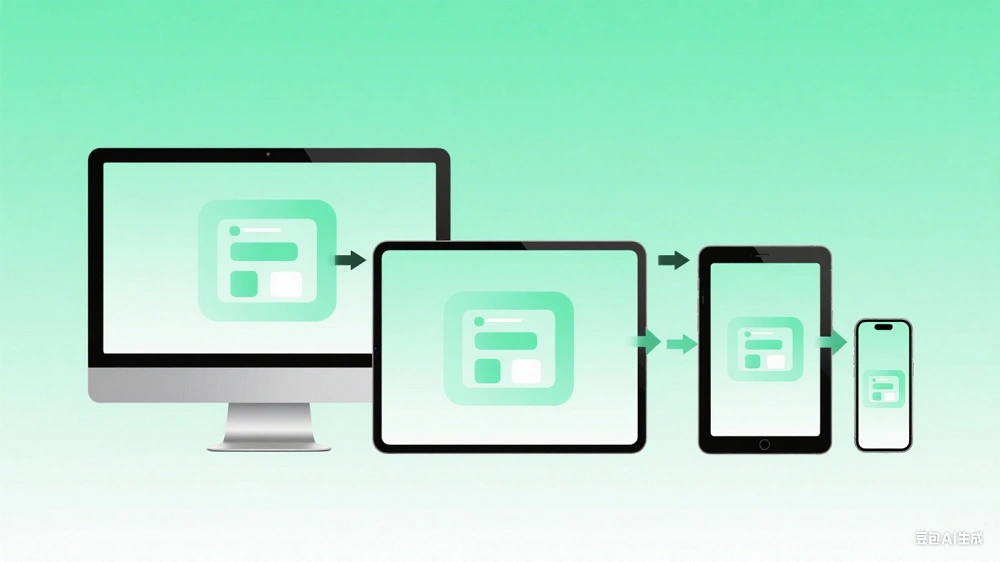
Quick Navigation How Mobile-First Indexing Works Impact of Mobile Adaptation on SEO Key Technical Points of Responsive Design Mobile User Experience Optimization Detection and Troubleshooting Tools Migration Strategy: PC-First to Mobile-First How Mobile-First Indexing Works What is Google Mobile-First Indexing? Google Mobile-First Indexing means that the search engine now prioritizes the mobile version of a website’s content for crawling, indexing, and ranking, rather than the traditional desktop version. This change began rolling out in 2019 and became the default for all new websites by late March 2021, aiming to better serve users who primarily access the web via mobile devices. In traditional desktop-first indexing, Googlebot used a desktop user agent to crawl page information. Even if the mobile content differed, the desktop version was the primary source. Now, the system first crawls with the mobile Googlebot (using a mobile user agent) to extract core content like text, images, and links as the indexing foundation. Google only supplements with desktop data if mobile content is insufficient, though this is no longer the standard practice. How Google Uses Mobile Content as the Primary Source? The workflow consists of three steps: First, Googlebot crawls the URL using both desktop and mobile user agents; under Mobile-First mode, the indexing system prioritizes information from the mobile page; finally, if the content relevance is sufficient, the page appears in search results. For example, if the mobile version hides important text or images (requiring a click to expand), Googlebot may not execute the JavaScript click, leading to missing content in the index and a drop in rankings. Case Study: Risks of Inconsistent Content Mobile version shows only 2 images and minimal text, requiring a “+” click for…
What are Core Web Vitals? Master Google’s Standards Quickly Core Web Vitals are the essential metrics defined by Google for web user experience, covering three dimensions: LCP (Loading), INP (Interactivity), and CLS (Visual Stability). These metrics directly impact search rankings; optimization can reduce bounce rates by 32% and increase conversions by 15%. The Three Core Web Vitals Metrics What is LCP? How to Achieve the 2.5s “Good” Standard Largest Contentful Paint (LCP) measures the time it takes for the largest content element to be rendered, typically the main hero image or text block. Google’s official standard: ≤2.5s is Good, 2.5–4s Needs Improvement, and >4s is Poor, based on the 75th percentile of real Chrome user data. LCP timeouts are often caused by server latency, render-blocking resources, or slow third-party scripts. Solutions include enabling a CDN, compressing critical images, and preloading key resources. Testing shows that optimizing LCP from 4.2s to 1.8s can improve the first-screen experience by 78%. INP Replaces FID: Why Interaction Responsiveness is Crucial Interaction to Next Paint (INP) measures the total latency from a user’s interaction to the next visual update, replacing the old FID metric. Standards: ≤200ms is Good, 200–500ms Needs Improvement, and >500ms is Poor. The primary cause is long JavaScript tasks blocking the main thread. Optimization strategies include breaking up long tasks, using Web Workers, and reducing DOM operations. After optimizing INP, e-commerce sites have seen form submission rates increase by 22%, with button response times dropping from 680ms to 180ms. Avoiding CLS Layout Shifts: Best Practices for Below 0.1 Cumulative Layout Shift (CLS) calculates the score of unexpected content shifts, often caused by images without dimensions, dynamically inserted ads, or font loading flickers….
What is Pages/Session? Why Does It Reflect Content Value? In website analysis, “Page Depth” is typically presented through the Pages/Session metric, which represents the average number of pages a user views during a single visit. In other words, if a visitor enters the site and views 4 pages in sequence, the Pages/Session for that session is 4; if they leave after viewing only the homepage, it is 1. In many analytical tools (such as “Views per session” in GA4 or “Pages per Visit” in Semrush), this metric is regarded as an important signal for measuring content stickiness and overall user experience. Why does browsing depth reflect content value? The reason is that when page content is helpful to users, they are more willing to click on related links, further reading, product details, or tutorial articles, forming a “natural deep browsing path”. Conversely, if a user leaves immediately upon entering, it usually indicates one of two things: they either found the complete answer instantly, or the content and experience were insufficient to encourage them to explore more pages. For most websites aimed at conversion and brand exposure, you want the latter to occur as rarely as possible, and Pages/Session helps you quantify this difference. Furthermore, browsing depth can indirectly reflect whether the information architecture is logical. If a website has messy categories, confusing navigation menus, or lacks a clear “what to see next,” users will find it difficult to naturally browse multiple pages even if the content itself is good. Conversely, when you design a website with topic clusters, clear sections, and tags, users explore as if following signposts, naturally increasing the Pages/Session. What is the Relationship Between Browsing Depth and…
What Is Bounce Rate and How Is It Calculated? Bounce rate refers to the percentage of sessions where a user visits only one page on your site without triggering any further interaction. According to Google Analytics, it is calculated as “Single-page sessions ÷ Total sessions.” In simpler terms, it measures how often someone “comes, looks, then leaves” without deeper engagement. However, a high bounce rate isn’t necessarily bad. For instance, if someone searches “2026 public holidays in California,” finds the exact answer on your site, and leaves within seconds—this still counts as a bounce, though the visit was actually successful. The user achieved their goal and had a positive experience. In GA4, bounce rate is no longer the main focus—it’s replaced by the Engagement Rate, which measures time spent, interactions, and conversions. In modern SEO, the real goal isn’t lowering bounce rate alone but improving how deeply users engage with your content. Reasonable Bounce Rate Ranges by Page Type According to the SEMrush 2025 Report, the global average bounce rate ranges between 41%–55%, but this varies by page type and traffic source. Page Type Typical Range Notes Blog article 60%–80% Visitors often come for a specific piece of information, so high bounce is natural. Product or service page 30%–50% If it exceeds 60%, product info may be lacking or conversion flow unclear. Landing page 70%–90% If the page’s goal is form completion, users leaving after that is fine. Homepage 25%–45% Acts as a gateway to deeper pages; higher values mean navigation needs refinement. Keyword type also matters. Brand keywords like “Nike official site” often show lower bounce because users already know what they want. In contrast, long-tail search terms like…
In 2025, a Hong Kong cross-border e-commerce company utilized advanced AI tools to automatically generate 50 product guides daily, hoping to win through sheer volume. Three months later, organic traffic didn’t take off; instead, it plummeted by 47%, with Google Search Console issuing “low quality content” warnings. This is not an isolated case—as generative AI becomes ubiquitous, search engine ranking mechanisms have fully upgraded. Simple mass-production strategies are leading countless companies into a traffic black hole. This article reveals the survival rules of the post-SEO era: how GEO (Generative Engine Optimization) helps brands become authoritative sources in AI summaries to reverse traffic decline. 📉 The Content Factory Illusion: Why High Output Triggers Google Demotion Alarms? Many companies mistake content marketing for “frequent updates,” overlooking the essence of search engines: providing unique value to users. Google’s 2025 Spam Policies emphasize that large-scale generation of content lacking original insight, practical experience, or data support will be penalized as “purely automated information”. The so-called E-E-A-T (Experience, Expertise, Authoritativeness, Trustworthiness) is no longer a bonus, but a baseline requirement. When competitors use the same LLM models and similar prompts to produce identical content, the industry falls into a “content homogenization” trap. Search crawlers easily…
How AI Content Actually Drives Sales: A Complete Content Closed-Loop Strategy for Global E-commerce.
If you have written a hundred AI articles and seen no increase in traffic or growth in inquiries, the problem isn’t AI—it’s that you are treating AI as a “fill-in-the-blank tool” rather than a “closed-loop engine.” This article will provide a comprehensive analysis of how to turn every AI-written piece into a sales accelerator, from keyword discovery to final inquiry. What is the Right Way to Use “AI Content Writing”? (It’s More Than Just Extra Blog Posts) Why Do Many Global Enterprises Use AI Writing but See No Orders? ❌ Most Common Fatal Mistakes Over the past two years, we analyzed the content strategies of over 300 international standalone sites and found a startling commonality: 72% of companies treat AI writing as a “content assembly line,” with the sole goal of “posting a few times a week” or “appearing active.” This “update for the sake of updating” approach often leads to: Content Decoupled from the Sales Funnel: Articles focus on industry news or trend analysis, but what happens after reading? Readers don’t know the next step, and pages lack corresponding product links or inquiry prompts. Lack of Keyword Strategy: AI selects topics randomly without targeting the terms target customers actually search for. A meticulously written article that no one searches for might as well not exist. Misalignment with Target Market Intent: Using a single set of English content for the entire world ignores local priorities—European customers care about certification, Southeast Asian customers care about price, and Middle Eastern customers care about heat resistance. If the content doesn’t resonate, conversion will naturally be low. The Result: These AI articles become “content costs” rather than “content assets.” They consume server space and…
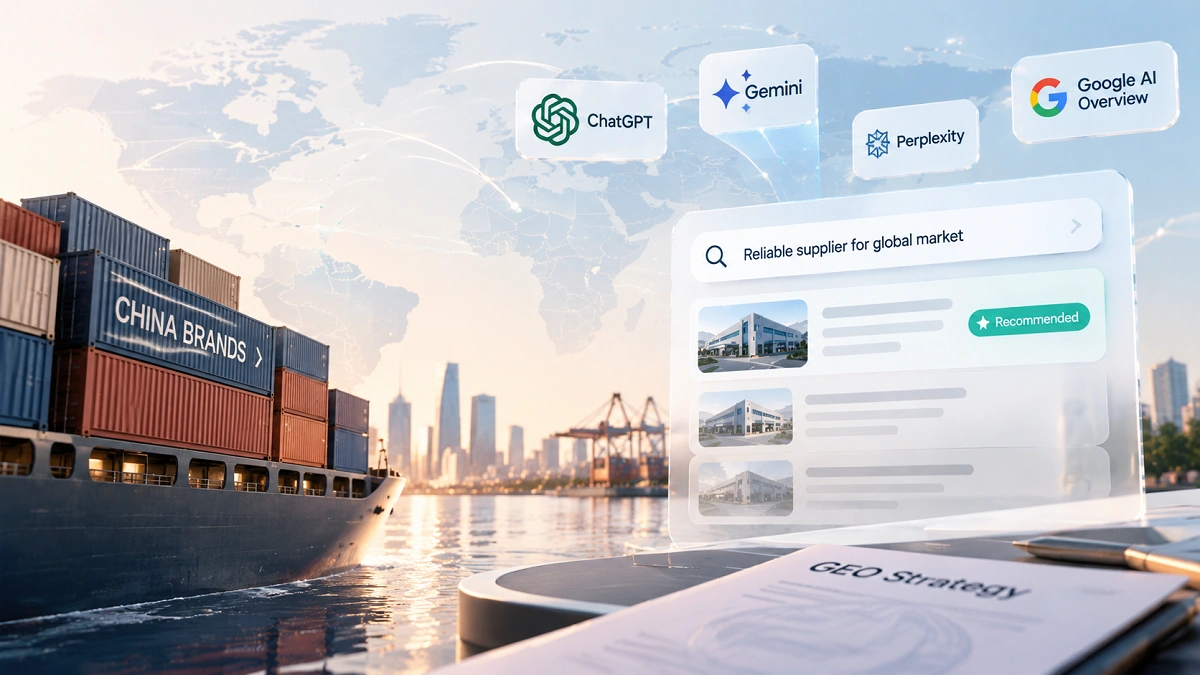
📊 2026 Latest Data: Over 35% of B2B decision-makers have begun using AI tools (Copilot/Gemini/ChatGPT) for preliminary supplier screening—a figure that was less than 12% in 2024. As an SEO consultant at Century Sinko, I have personally witnessed the evolution of search engines from "10 blue links" to "generative answers." In 2026, if your brand appears only in Google search results but is not cited within the answers of Copilot, Gemini, or ChatGPT, you are losing over one-third of your potential customers. This article provides a comprehensive analysis of the essence of AI Search Mode and offers an actionable "Multi-Entry Layout" strategy to help your B2B enterprise maintain its lead in the AI era. I. What is AI Search Mode? Why is it Changing International SEO? 1.1 Defining AI Search Mode AI Search Mode refers to the integration of traditional "search" and "generative" capabilities by next-generation AI tools like Copilot, Gemini, and ChatGPT. When users ask a question, these tools no longer return a long list of links; instead, they provide a synthesized, concise answer and attach a few source links deemed "most relevant and credible." 🔍 Three Core Characteristics of AI Search Mode: Conversational Q&A: Users can query in natural language, such as "Compare delivery times and after-sales service for the top 5 CNC machine tool suppliers in Germany." AI understands the intent and provides a structured response, significantly reducing the need for users to manually click through multiple pages. Answer-First Presentation: AI presents a complete integrated answer rather than a list of links. Average reading time has increased from 15-20 seconds in traditional search to 45-60 seconds as users digest pre-organized information. Selective Citation: AI does not cite…